
ABELDent Patient & Cloud Services
Dental Patient Communication Software that’s custom-built for ABELDent
Automate appointment management. Empower patients with self-booking and customized online forms. Communicate with your patients using their preferred method. Just a few of the reasons dental teams love using the suite of communication tools built specifically for ABELDent Cloud and Local Plus.
Integrated Patient Communication Tools for Dental Practices
ABELDent PCS (Patient & Cloud Services) helps dental practices simplify routine patient communication, reduce manual follow-up, and give patients more convenient ways to connect with your office.
Empower your team with one intuitive workflow to:
- Coordinate bookings, confirmations, and reminders
- Create and compile patient documents
- Automate post-appointment admin like statements and payments
- Improve patient outreach via texting
ABELDent PCS Features at a Glance
Click any of features linked below to jump to them.
Help Patients Book and Connect
Make it easier for patients to interact with your practice before, between, and after appointments.

Delight your patients with the option to request appointments online at their convenience. Your practice always retains confirmation control.
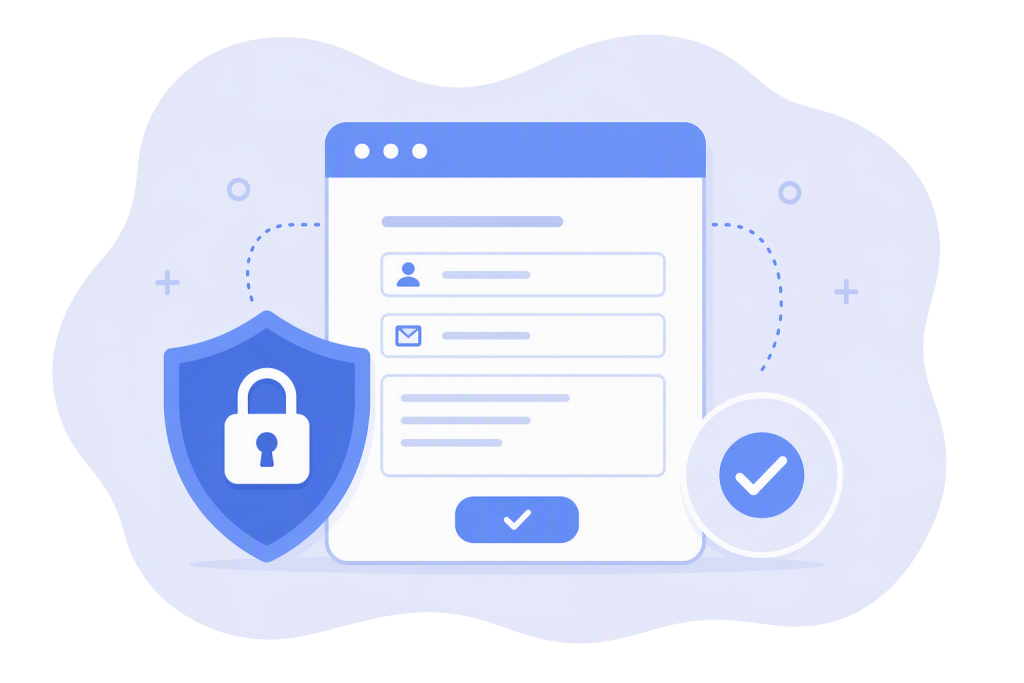
Collect health histories, intake forms, consents, and custom forms online. Submitted forms are stored securely, directly in patient charts.

Send updates, announcements, and reminders to selected groups of patients.
Reduce Administrative Work
Automate routine communication tasks so your team can spend less time on repetitive follow-up and more time supporting patients.
Send email and text reminders so patients can conveniently confirm upcoming appointments with minimal effort.
Texting
Exchange text messages with patients from within the ABELDent communication workflow for quick and situational messaging.

Maintain patient privacy by sending individual patient emails with specific follow-up or information requests.
Keep Your Schedule Full
Use targeted patient outreach to fill openings, follow up on unscheduled treatment, and keep patients connected to ongoing care.

Notify selected patients when appointment openings become available due to cancellations or schedule changes.
Prompt patients with pending treatment to book recommended treatment that has not yet been scheduled.
Encourage patients who are overdue for hygiene treatment to return for routine appointments and preventive care.
Simplify Billing and Collections
Give patients convenient digital options for receiving statements and completing payments.
Statements

Email patients their statements for paperless filing.
Payments
Expand payment method options for the utmost patient flexibility and convenience.
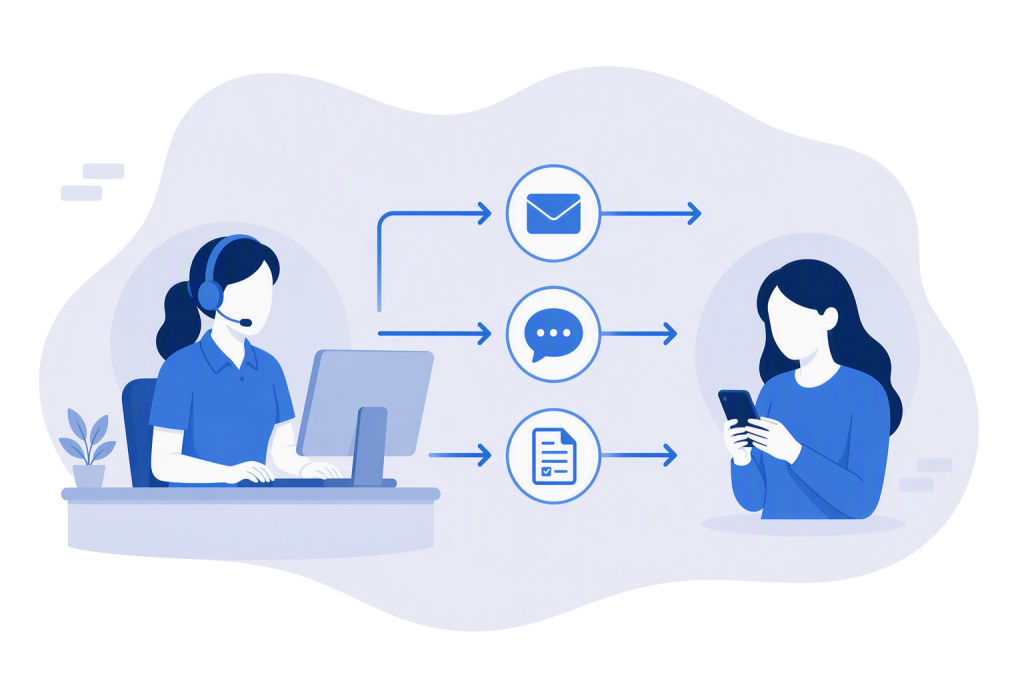
Keep billing-related communication connected to the ABELDent patient workflow for easy retrieval and review.
Built for ABELDent
ABELDent PCS (Patient & Cloud Services) is designed for ABELDent users, helping your practice manage patient communication securely within one completely connected communication platform.
ABELDent PCS Integrated Solution vs.
Standalone Patient Communication Software
| Practice Need | Standalone Patient Communication Software | ABELDent PCS Integrated Solution |
| Online Forms | Separate form management | Forms stored directly in patient charts |
| Scheduling | Often managed separately with add-on modules | Works within ABELDent |
| Communication | Relies on fragmented tools | Texting, email, reminders, statements, and payments in one place |
| Efficiency | More logins and workflows | Fewer systems to manage |
| Compatibility | Generic, multi-platform tools and devices | Designed for ABELDent users |
| Reliability | Secondary troubleshooting Contact | One-stop ABELDent service and support |
Frequently Asked Questions About ABELDent PCS
ABELDent PCS (Patient & Cloud Services) is ABELDent’s own built-in patient communication system that helps dental practices automate reminders, confirmations, forms, texting, online booking, statements, payments, and other routine patient communication tasks.
Yes. ABELDent Patient & Cloud Services is specifically designed for ABELDent version 15 (Cloud and Local Plus), helping practices manage communication within their ABELDent workflow.
Yes. Patient Self-Booking lets patients book or request appointments online at their convenience.
Yes. Patients can complete secure, customizable online forms, including intake forms, health history forms, consent forms, and other forms required by the practice.
Yes. Submitted online forms go directly into patient charts, helping reduce manual entry and keeping patient information organized.
Yes. Practices can send automated appointment reminders and confirmations by email and text message.
Yes. Two-Way Texting allows the practice to exchange text messages with patients as part of the ABELDent communication workflow.
Short-Notice Messaging is a feature in ABELDent PCS that helps practices notify selected patients when appointment openings become available due to cancellations or schedule changes.
Yes. Unscheduled Appointment Messaging can remind patients to book recommended treatment that has not yet been scheduled.
Yes. Practices can email statements and offer secure online payment options to patients.
Ready to Simplify Patient Communication?
See how ABELDent Patient & Cloud Services (PCS) helps your team automate reminders, forms, texting, booking, statements, payments, and more from one integrated workflow.